You signed in with another tab or window. Reload to refresh your session.You signed out in another tab or window. Reload to refresh your session.You switched accounts on another tab or window. Reload to refresh your session.Dismiss alert
hi~i have been use inkscope for about 3 month,it's a wonderful project~~
now i have several problems,can you help me?
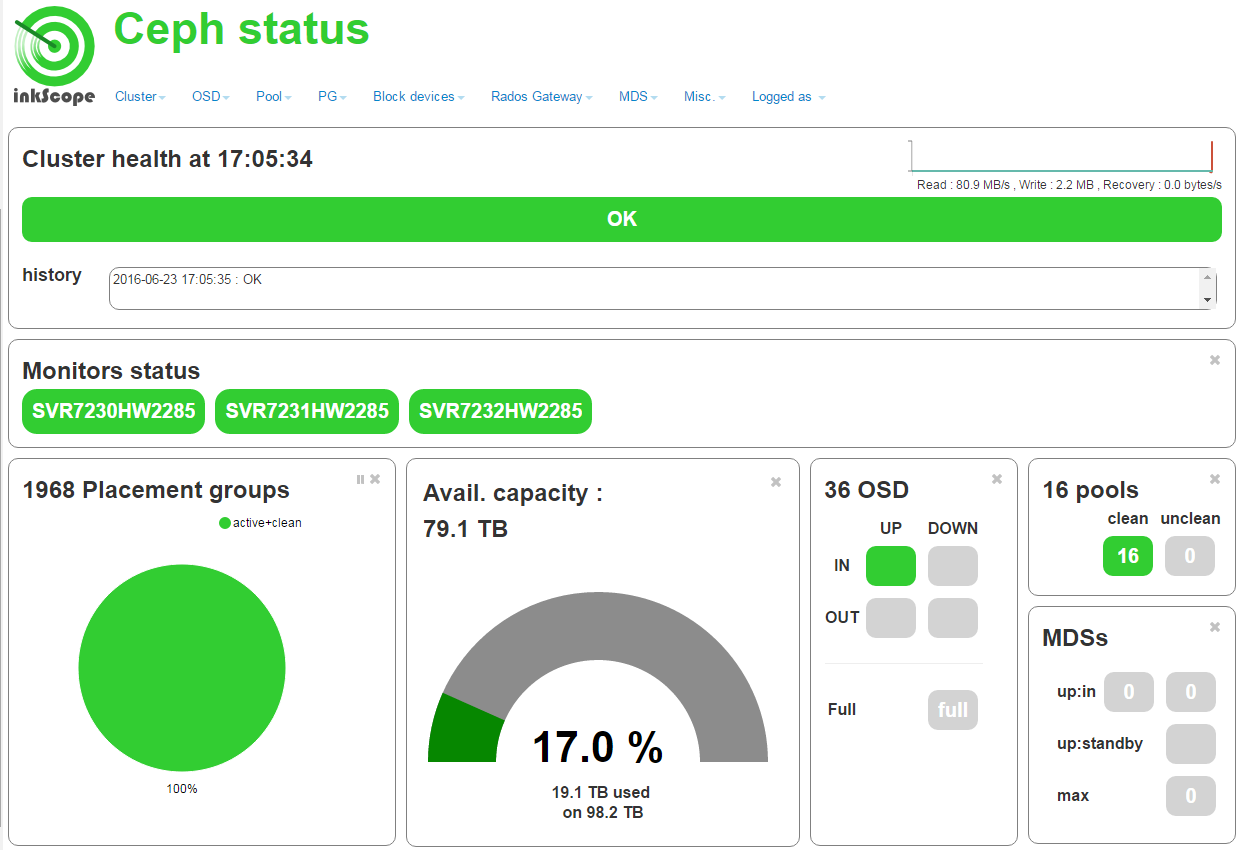
my cluster status
probes status
i have 3 ceph centos6.5 nodes and 1inkscope centos7.1 node
first question~
there are something wrongs with my cluster hosts ip
just like this
and /etc/hosts
if i let 192.168.xx.xx SVR7230HW2285 be the first ,cluster hosts ip will only show localhost.localdomain
second question
pool management can't show the details
third question
when the first time i login inkscope ,i use admin/admin to login
but i don't have administrator permissions yet
this lead the rados gateway no permissions,and i can't do any thing with inkscope
please give some prompts,so i can fix these problems~
thank you for your patience to read this, i really really need your help
Hi
sorry for the delay
Our main inkscope developper is unavailable until Wednesday.
I will try to help you as far as I can:
Question#1:
We encountered this type of behavior but it was fixed. see #64 and #65.
If possible, remove entities from inkscope mongo database and test again
Question#2:
It's difficult to help you with only the screenshot for trouble shooting.
Can you provide apache logs and other materials you find usefull.
Question#3:
Firstly, can you checkif flask login is installed?
inkscope first invoke soket.getfqdn() to find a FQDN name and then invoke socket.gethostname(fqdn) to get the ip binds to the FQDN, so in your situation, just add below entry into /etc/hosts beginning.
Activity
ZhangBoHang commentedon Jun 23, 2016
hi~i have been use inkscope for about 3 month,it's a wonderful project~~
now i have several problems,can you help me?
my cluster status
probes status
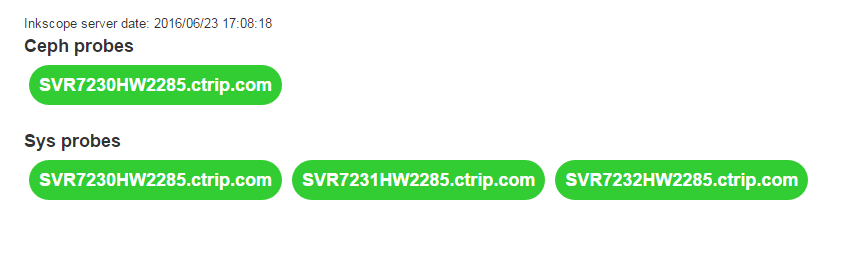
i have 3 ceph centos6.5 nodes and 1inkscope centos7.1 node
first question~
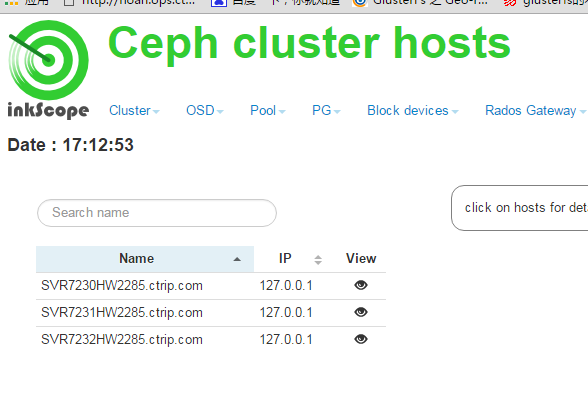

there are something wrongs with my cluster hosts ip
just like this
and /etc/hosts
if i let 192.168.xx.xx SVR7230HW2285 be the first ,cluster hosts ip will only show localhost.localdomain
second question
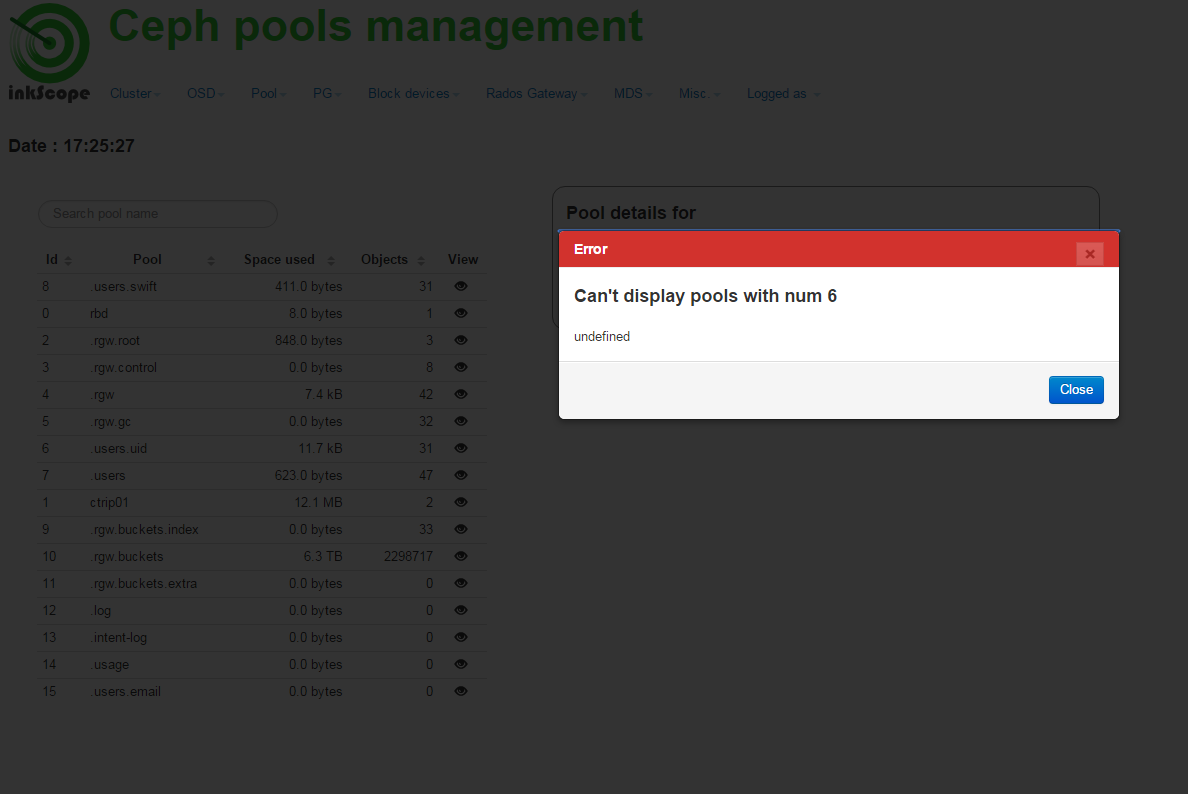
pool management can't show the details
third question
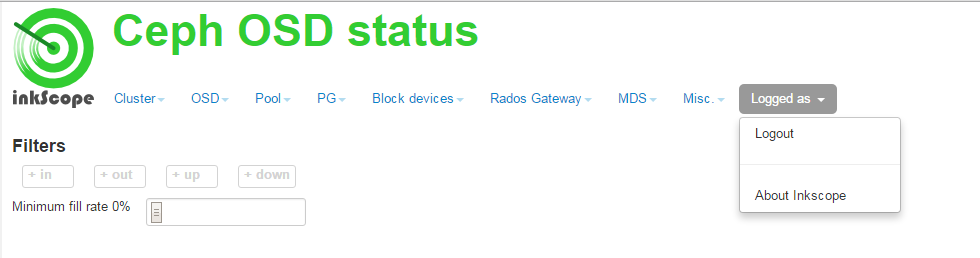
when the first time i login inkscope ,i use admin/admin to login
but i don't have administrator permissions yet
this lead the rados gateway no permissions,and i can't do any thing with inkscope
please give some prompts,so i can fix these problems~
thank you for your patience to read this, i really really need your help
best regards
ZhangBoHang commentedon Jul 4, 2016
no person answer?
ghisl1 commentedon Jul 4, 2016
Hi
sorry for the delay
Our main inkscope developper is unavailable until Wednesday.
I will try to help you as far as I can:
Question#1:
We encountered this type of behavior but it was fixed. see #64 and #65.
If possible, remove entities from inkscope mongo database and test again
Question#2:
It's difficult to help you with only the screenshot for trouble shooting.
Can you provide apache logs and other materials you find usefull.
Question#3:
Firstly, can you checkif flask login is installed?
Best regards
chengweiv5 commentedon Sep 7, 2016
@ZhangBoHang For the first question:
inkscope first invoke soket.getfqdn() to find a FQDN name and then invoke socket.gethostname(fqdn) to get the ip binds to the FQDN, so in your situation, just add below entry into /etc/hosts beginning.
You'll get the correct hostname and ip shows up.