


A sane music player built with media3 and the Material Design library that is following Android's standard strictly.


This fork, Boombox, is based on upstream Gramophone. It reworks queues and adds a few things on top of upstream beta.
-
Queues tab
- App UX remodeled after multiqueues as the main interaction surface
- Keep several named queues, each with its own songs, position, and repeat mode
- One queue is active at a time; switch between queues without losing your place
- Queues are saved across restarts, including their songs, position, and repeat mode
- Favourites and recently added are pinned at the top of the Queues tab
- Shuffle-play from the Queues tab starts a random song from the queue
- Queues are exported as m3u8 playlists, and m3u8 playlists can be imported as queues
- Favourites are stored as a system queue and mirrored to gramophone_favourite.m3u8 in the queues folder
-
Queue details
- Rename, delete, reorder, and undo edits on any queue
- Sort a queue by name, artist, album, date, or duration
- Add all of a queue's songs to another queue with one button
- Queues accept duplicate songs, with a one-click option to clean them up
- Shuffle reorders a queue in place and keeps the currently playing song first
- After a shuffle, or after undoing one, the list scrolls to the song that's playing
- Search inside a queue; tapping a result scrolls to it and highlights it without playing it
-
Repeat
- The repeat button opens a picker with these options:
- Off
- Repeat one
- Repeat all
- Shuffle at end, then repeat: reshuffles the queue and keeps playing when it ends
- Play next queue: when the queue ends, the next queue in the Queues tab starts from its bookmark; the last queue pauses
- The repeat button opens a picker with these options:
-
Interface
- Playlists were deleted in favor of queues
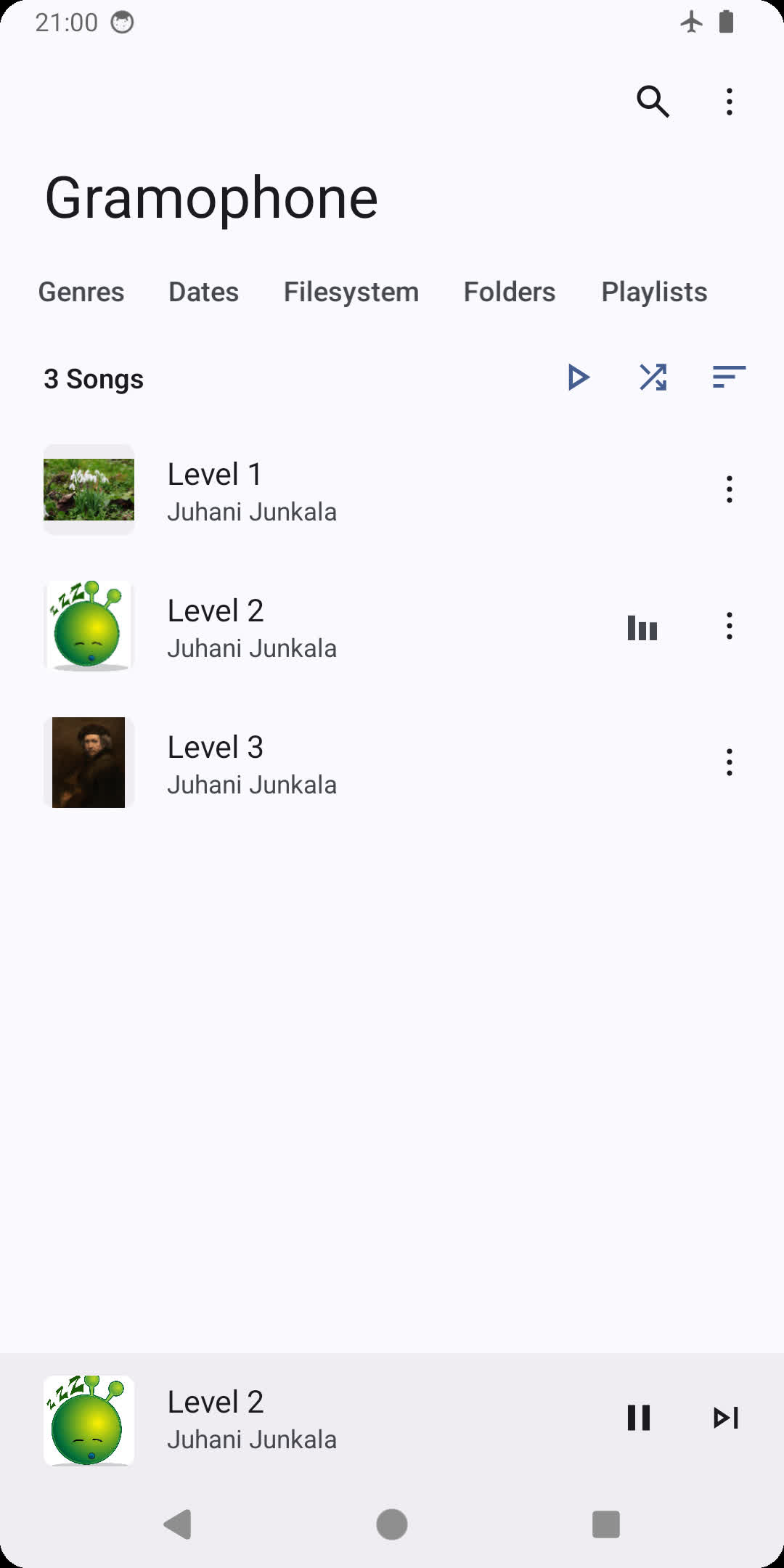
- The now-playing song is highlighted the same way in every list
- The mini player stays pinned at the bottom of the screen
- The section tabs moved to the bottom, with the mini player stacked above them
- Appearance settings has two switches that apply immediately: "Tabs at bottom" (on by default) puts the section tabs under the mini player, and "Huge forehead" (off by default) makes the top app bars two fifths of the screen tall
- Light, stable, and minimalistic
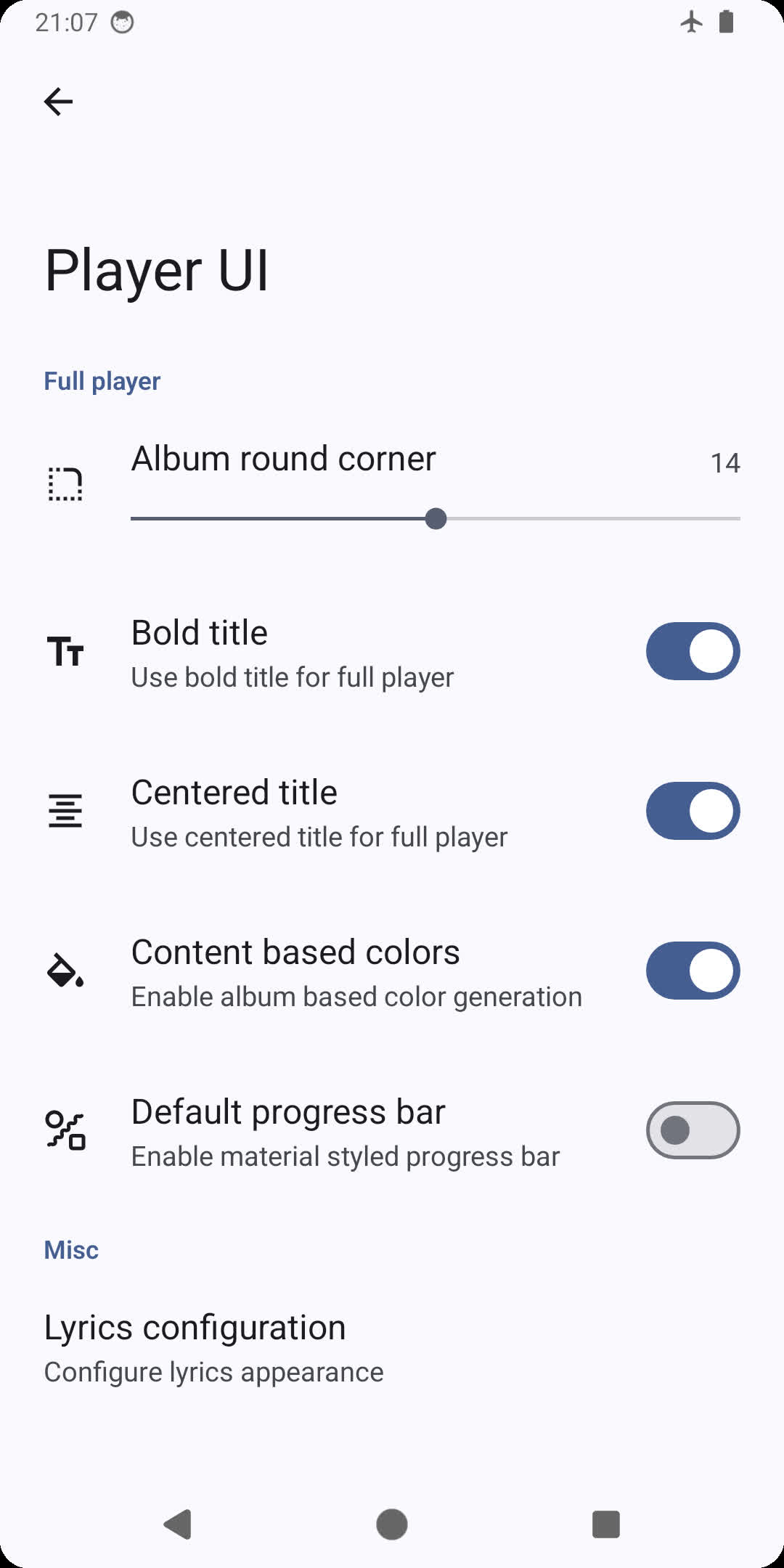
- Up-to-date Material 3 design and theme
- Dynamic player UI Monet color
- Monet themed icon (Android 12+)
- Music library features
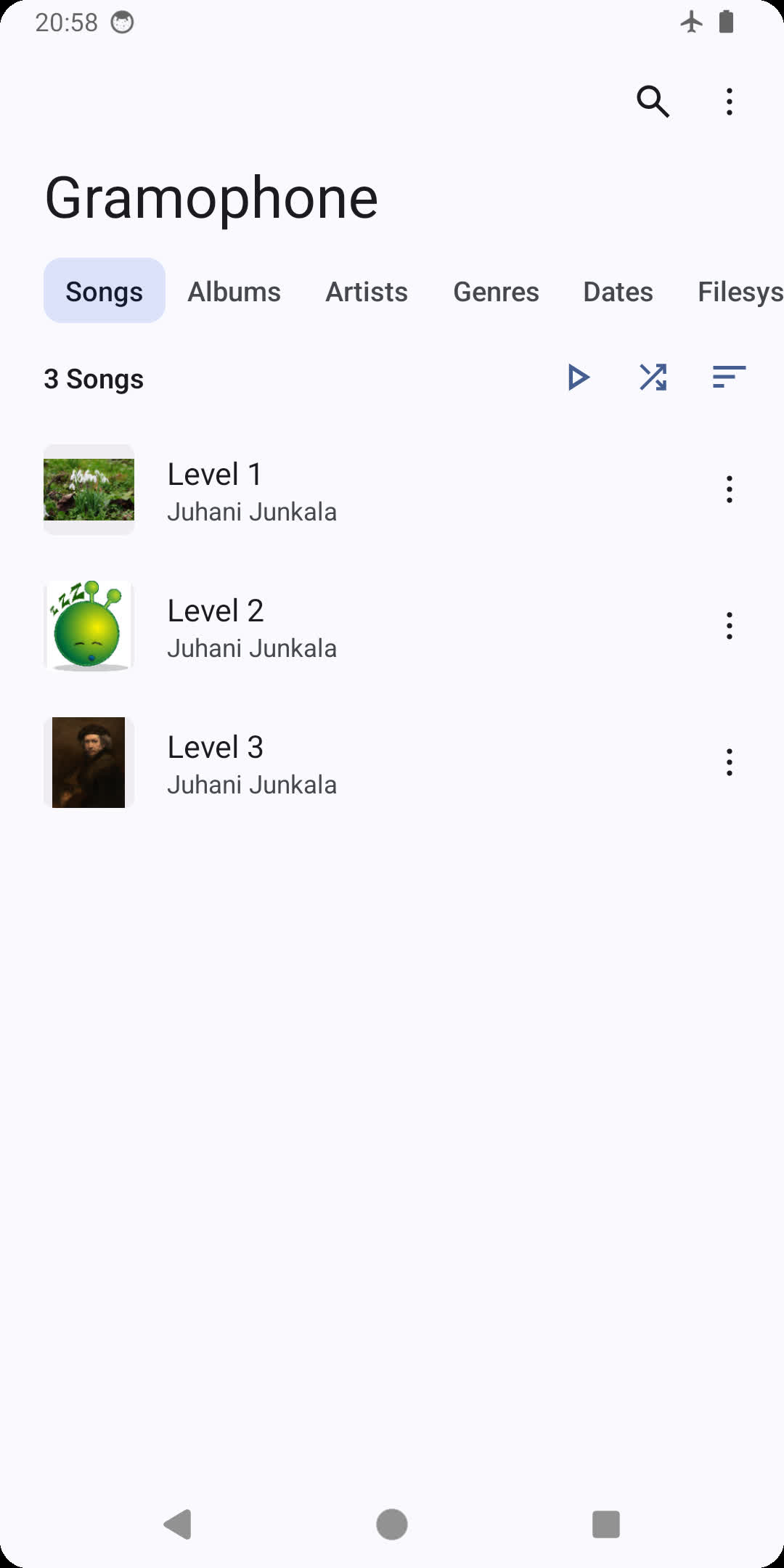
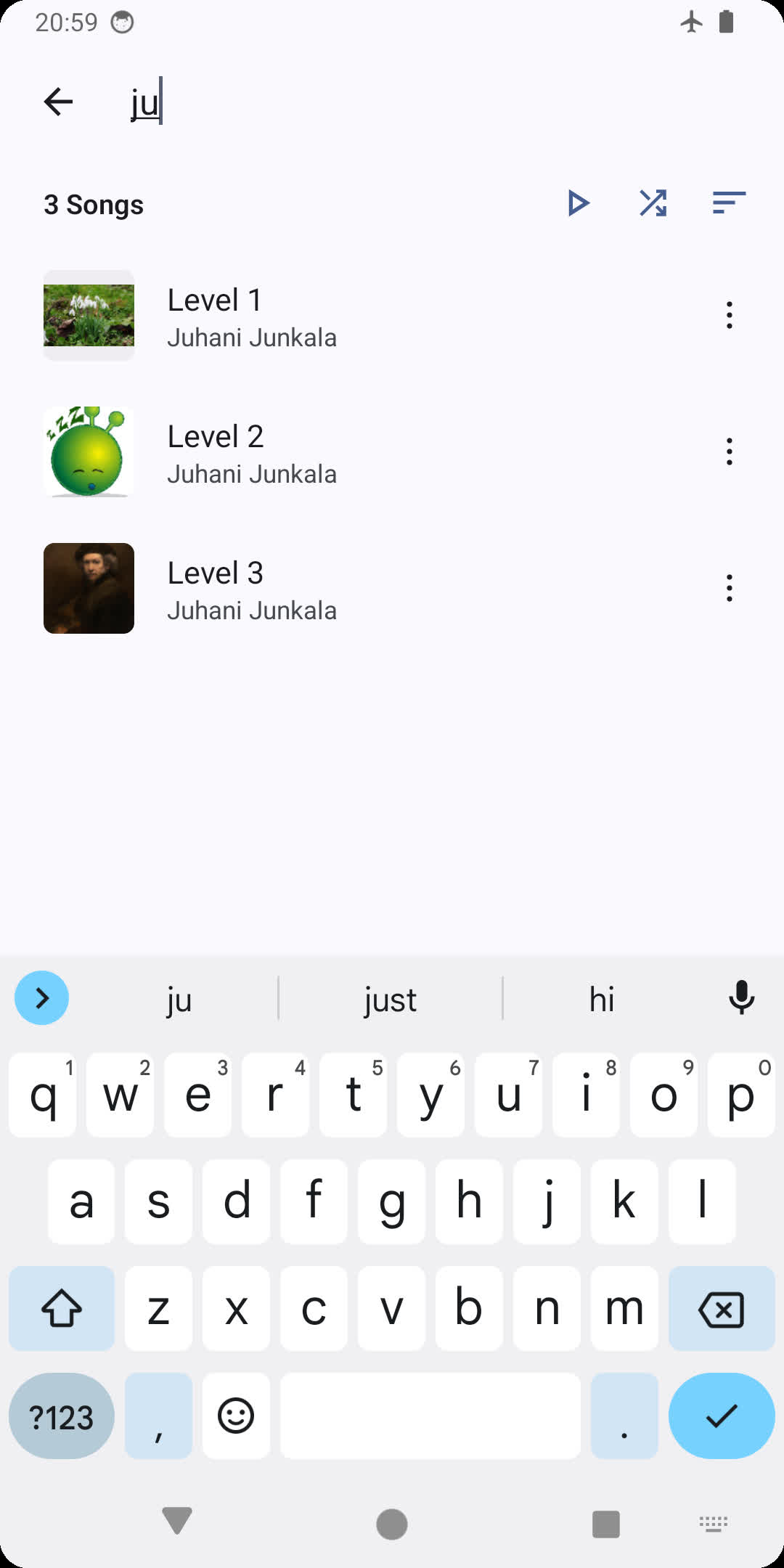
- Search and browse for your favourite music
- Uses MediaStore to quickly access on-device music
- List and grid views
- Browse songs by folder and filesystem
- Natural sorting and various other sorting options
- Playlist support
- Synced lyrics
- LRC, TTML, SRT
- Supports word/syllable Karaoke lyrics synchronization
- Full support for ReplayGain 2.0
- Support for system/third-party Equalizer apps
 |
 |
 |
|---|---|---|
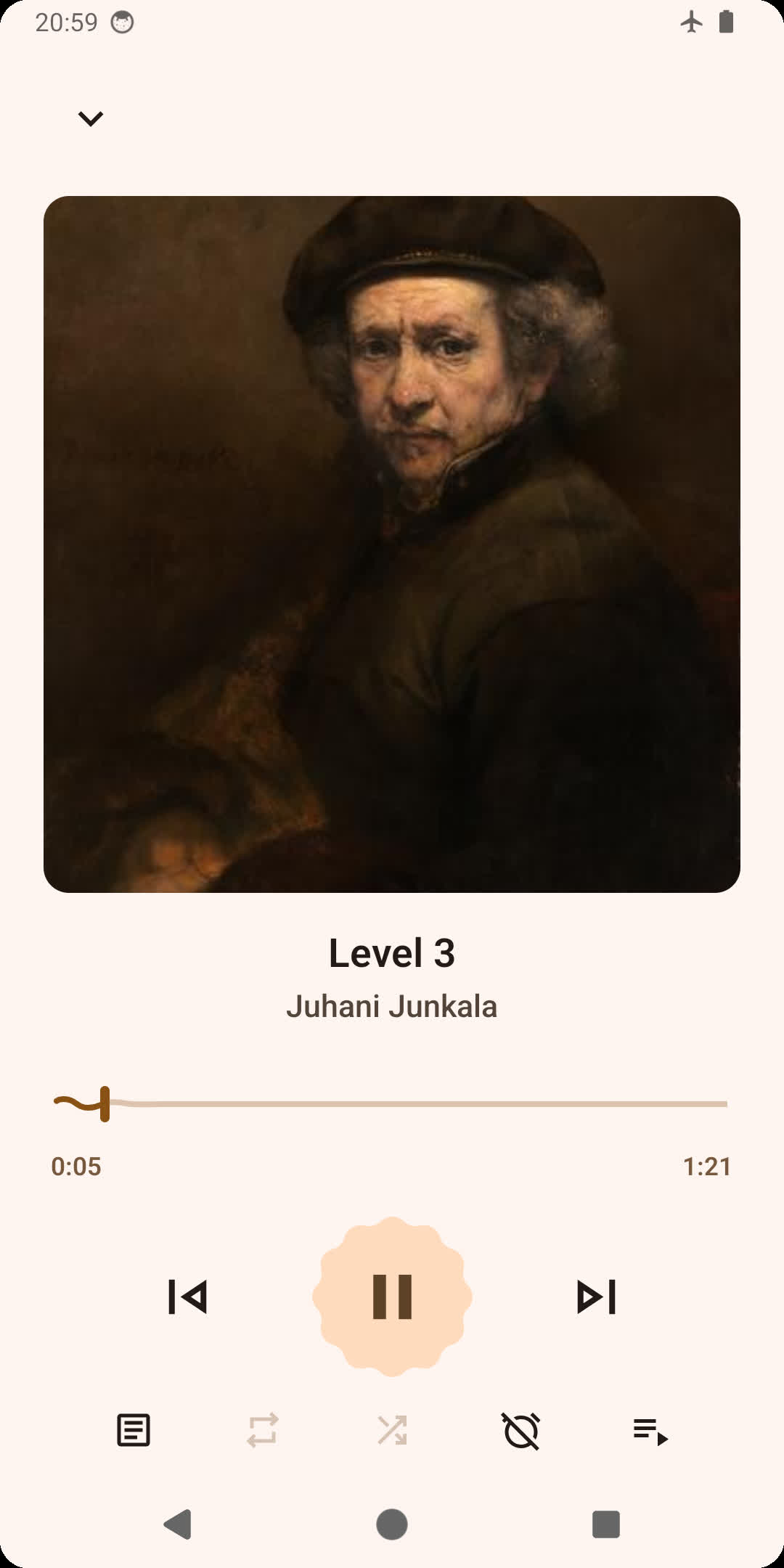 |
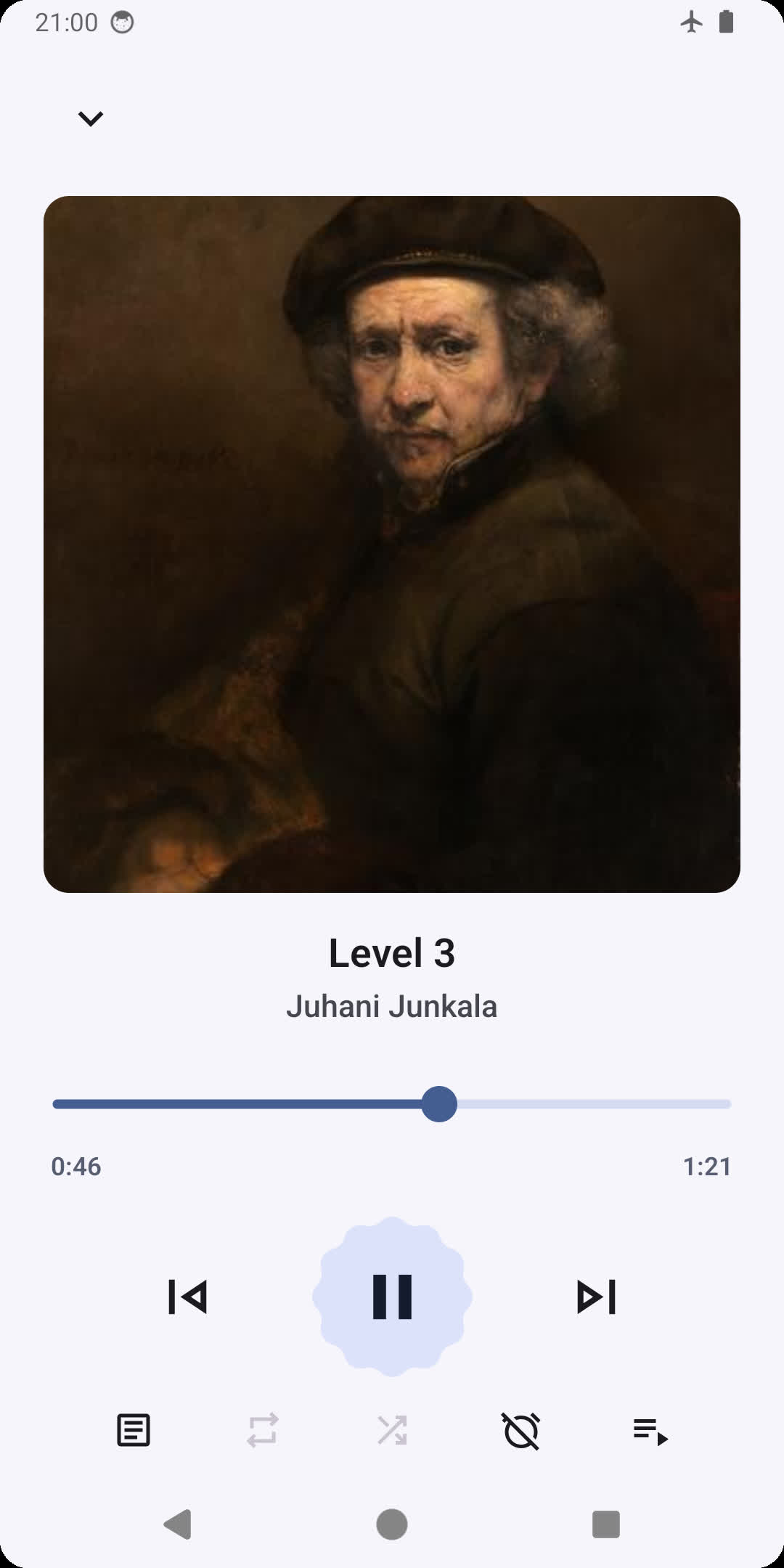 |
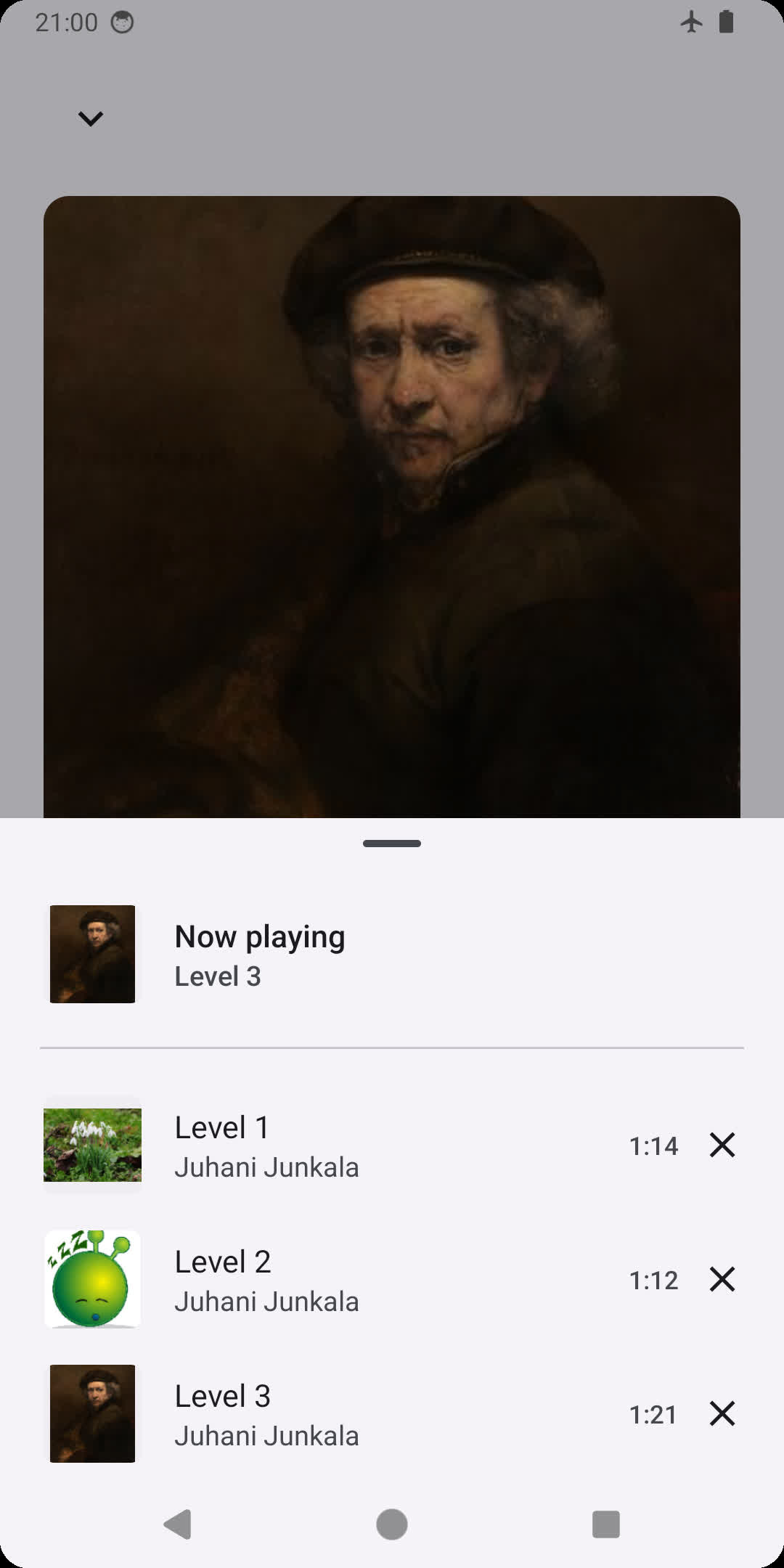 |
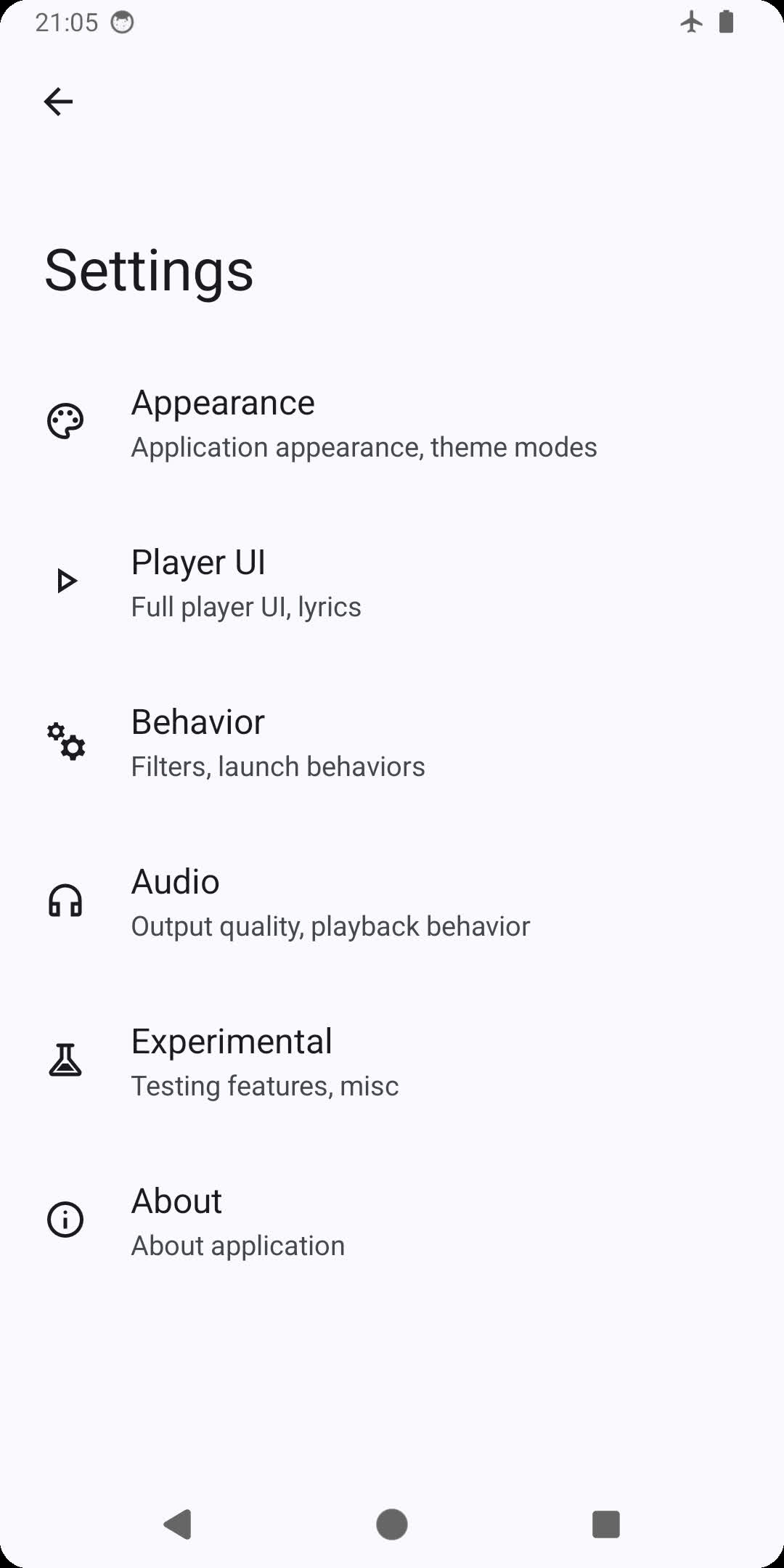 |
 |
 |
You can download the latest stable version of the app from either GitHub releases, F-Droid, or from IzzyOnDroid.
Beta versions and sneak peeks are available in the telegram channel or chat.
To build this app, you will need the latest beta version of Android Studio and a fast network.
Boombox includes certain dependencies such as media3 as git submodule. Make sure you download git submodules by running git submodule update --init --recursive before trying to build Boombox.
Boombox has a package type that indicates the source of the application package. Package type string is extracted from an external file named package.properties.
Simply open your favorite text editor, type releaseType=SelfBuilt, and save it in the root folder of the repository as package.properties.
Launch Android Studio and import your own app signing signature. You should be able to build Boombox now.
This project is licensed under the GNU General Public License v3.0 - see the LICENSE file for details.

- Discussion chat: Telegram
- GitHub/F-Droid/IzzyOnDroid certificate SHA-256 digest: f451197ad7b80bd1bc981ba38a2c49d471856fb38bcc333676d6e8f8f3ce5d6e
- Play Store certificate SHA-256 digest: 178869b0f9130d145b53404df4d4e5e311095406cb3c51a3e7a4b03bb3e87786
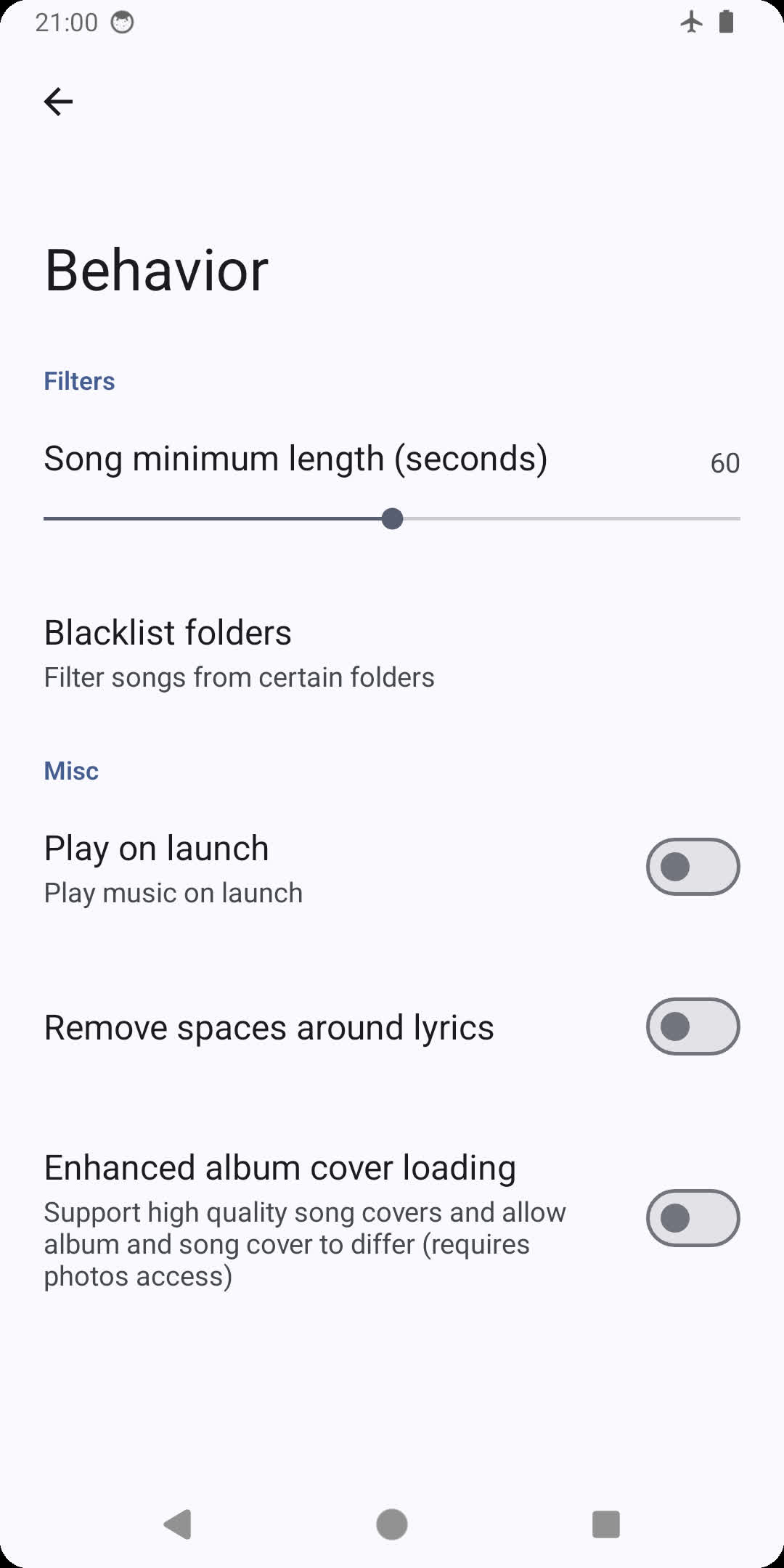
Why can't I see songs shorter than 60 seconds? Boombox hides songs shorter than 60 seconds by default. You can change it in Three dots > Settings > Behaviour (set the setting to 0 to show all songs).
I changed the minimum song length setting, but some songs are still missing! Make sure you haven't excluded the folder in Behaviour > Folder blacklist. Then, try to reboot your phone, then wait a few minutes (this will rescan the system-wide media database that Boombox uses to find songs). If it's still not visible, your system version may not support scanning this file extension: this is most commonly observed for .opus, which will only be scanned since Android 10 (pro tip: rename your .opus file to .ogg, and it will be detected on Android 6 and later).
My song isn't playing! / My song is playing, but it's completely silent, yet the volume is turned up! Please note that Boombox relies on system media codecs to make the app smaller. This means
- int32 (32-bit) FLAC files will only work on Android 14 or later
- FLAC files often do work even on versions prior to Android 8, but are only officially supported on Android 8 or later
- xHE-AAC files in general will only work on Android 9 or later
- Dolby Digital (AC-3) / Dolby Digital Plus (E-AC-3) / AC-4 requires a device that has licensed decoders for these formats
There is one exception: ALAC files can be played even without the system ALAC decoder as Boombox includes an extremely lightweight Java ALAC decoder.