





Laravel Reverb Realtime Websocket Notification Driver for Filament Alerts Sender
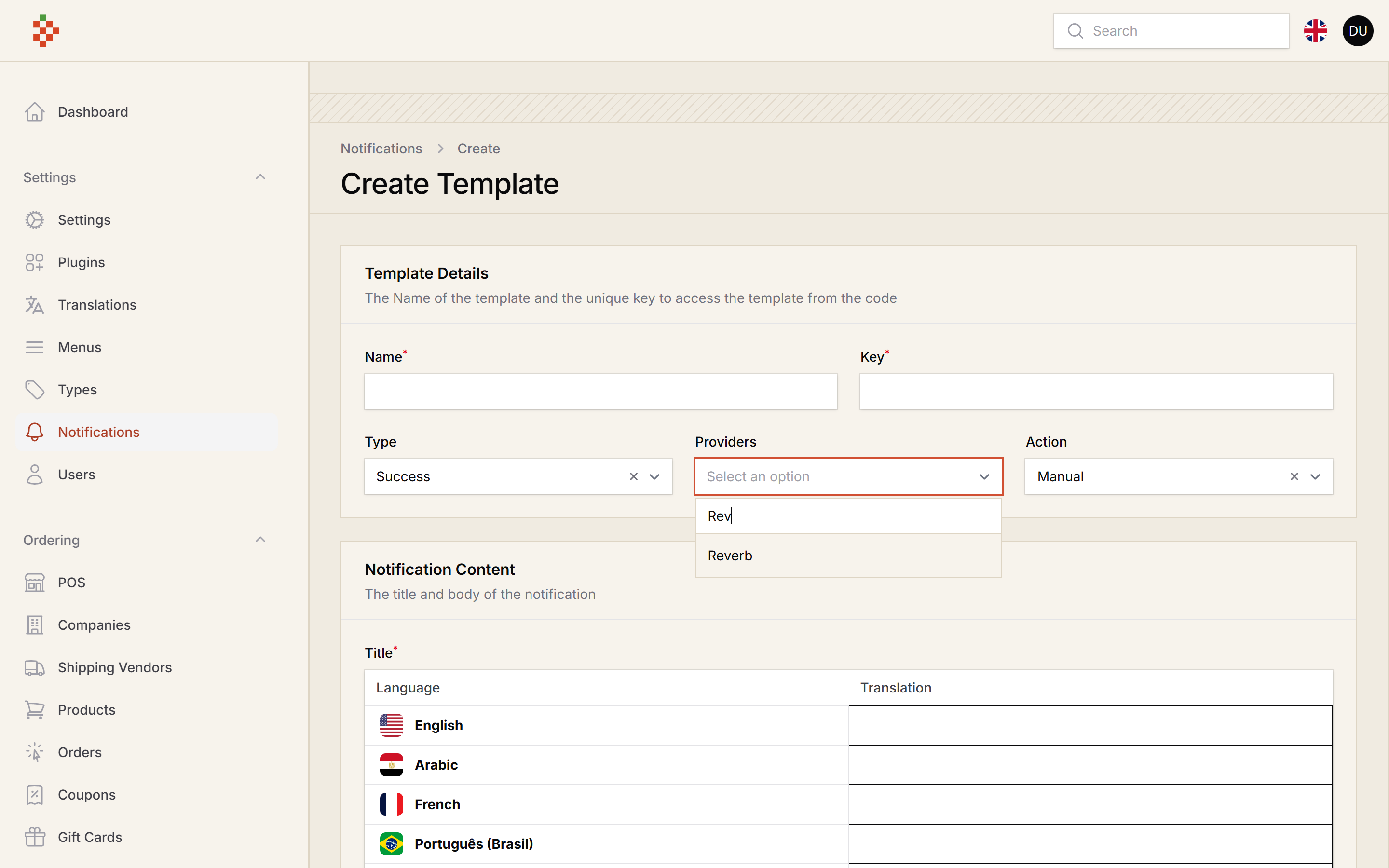
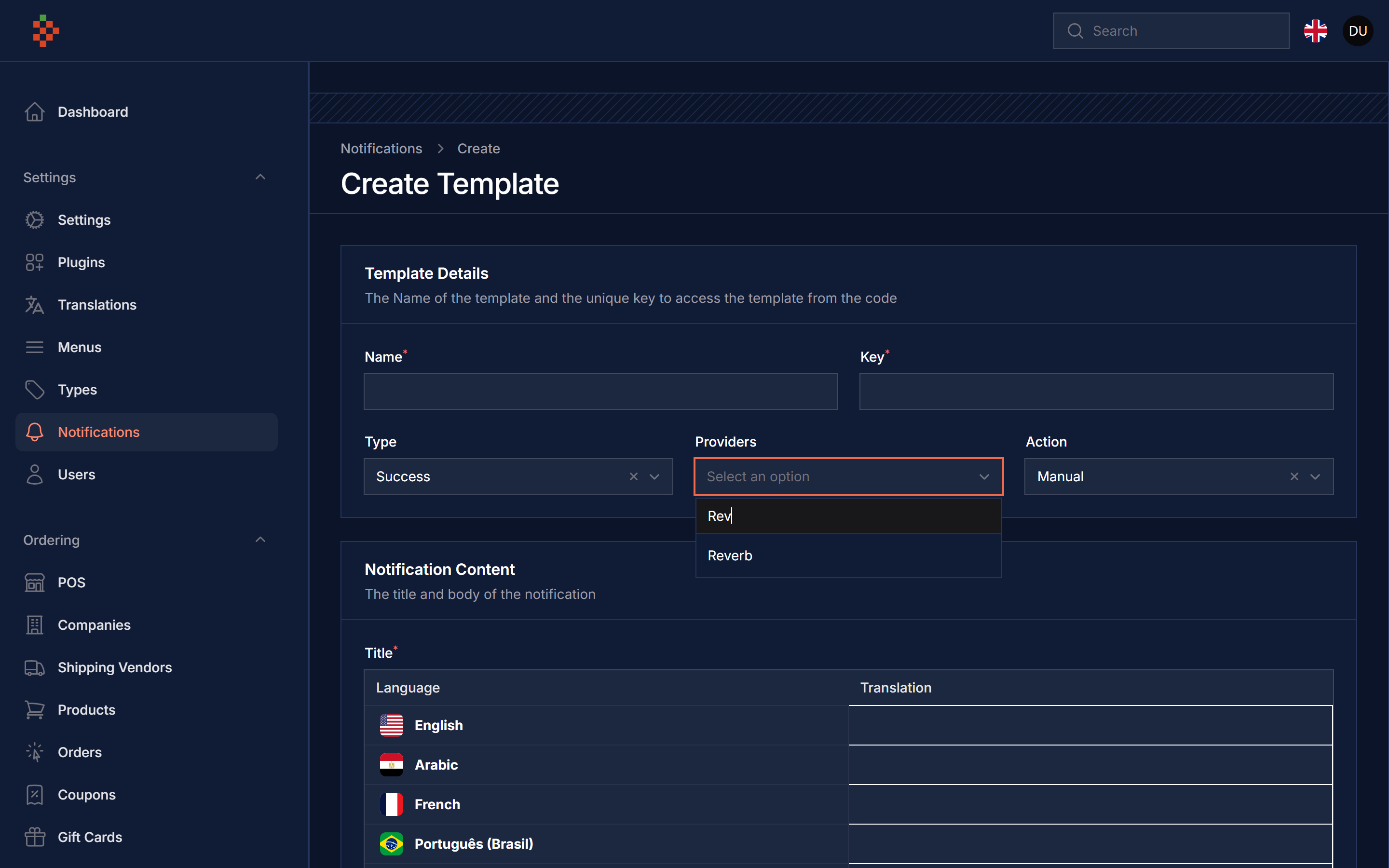
Alerts are broadcast on the private channel of the notifiable, so a signed in user sees them appear as Filament notifications without reloading the page.
| Light | Dark |
|---|---|
 |
 |
 |
 |
 |
 |
| Package version | Filament | Laravel | PHP |
|---|---|---|---|
| 5.x | 5.x | 12.x, 13.x | 8.2+ |
composer require tomatophp/filament-reverb-driverafter install your package please run this command
php artisan filament-reverb-driver:installfinally register the plugin on /app/Providers/Filament/AdminPanelProvider.php
->plugin(\TomatoPHP\FilamentReverbDriver\FilamentReverbDriverPlugin::make())The driver never re-declares any websocket credentials, it publishes on the broadcast connection your application already has. Install and configure Reverb once:
php artisan install:broadcasting
composer require laravel/reverb
php artisan reverb:start
and make sure these are in place:
config/broadcasting.phphas areverbconnection, fed by the usual env values:
BROADCAST_CONNECTION=reverb
REVERB_APP_ID=your-app-id
REVERB_APP_KEY=your-app-key
REVERB_APP_SECRET=your-app-secret
REVERB_HOST=127.0.0.1
REVERB_PORT=8080
REVERB_SCHEME=http
Only REVERB_APP_KEY, host, port and scheme are handed to the browser, which is what the
websocket handshake needs. REVERB_APP_SECRET and REVERB_APP_ID never leave the server.
routes/channels.phpauthorizes the per user channel. This is Laravel's default callback and it is exactly the channel this package broadcasts on:
Broadcast::channel('App.Models.User.{id}', fn ($user, $id) => (int) $user->id === (int) $id);- A queue worker, because alerts are queued like every other Filament Alerts driver:
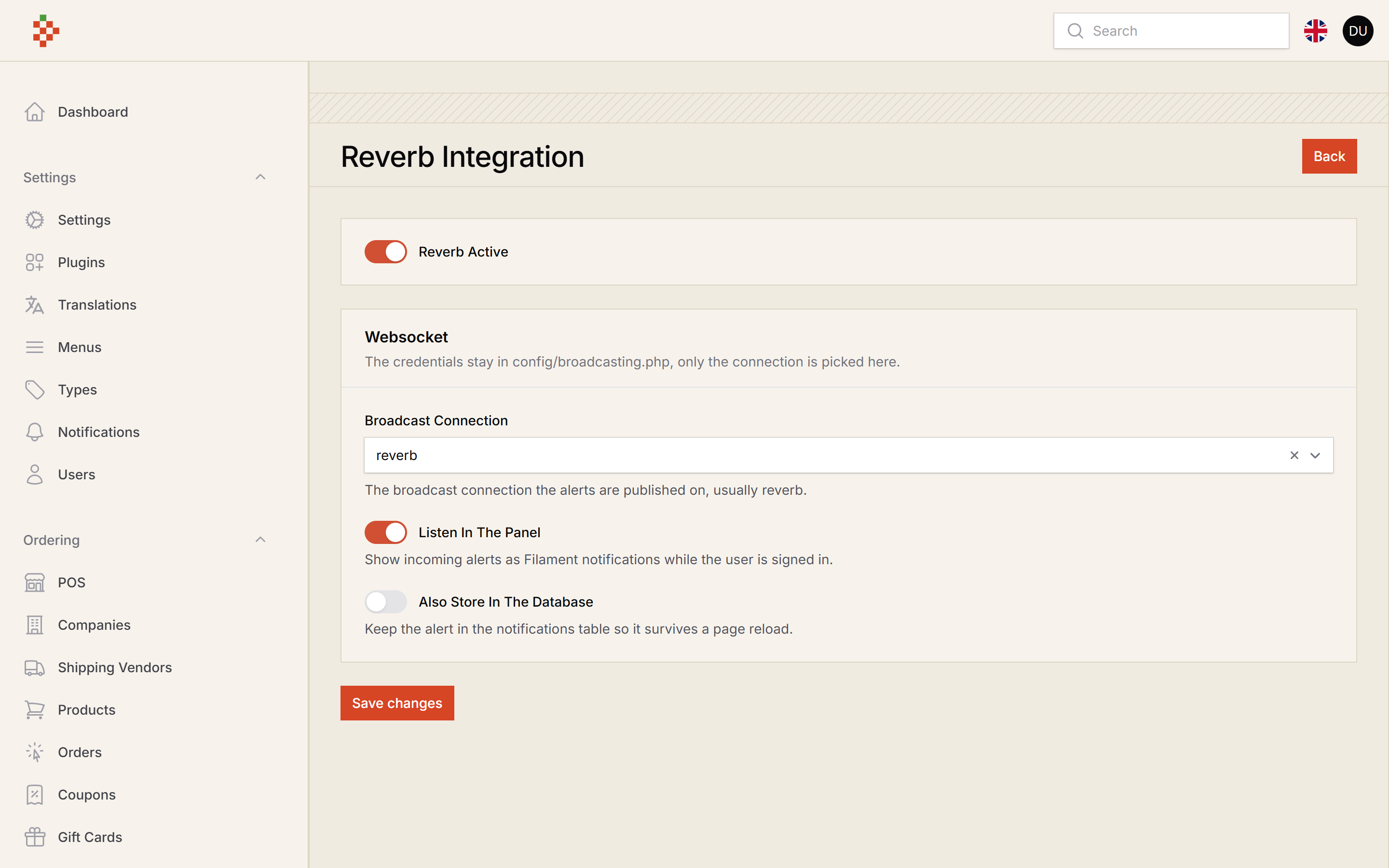
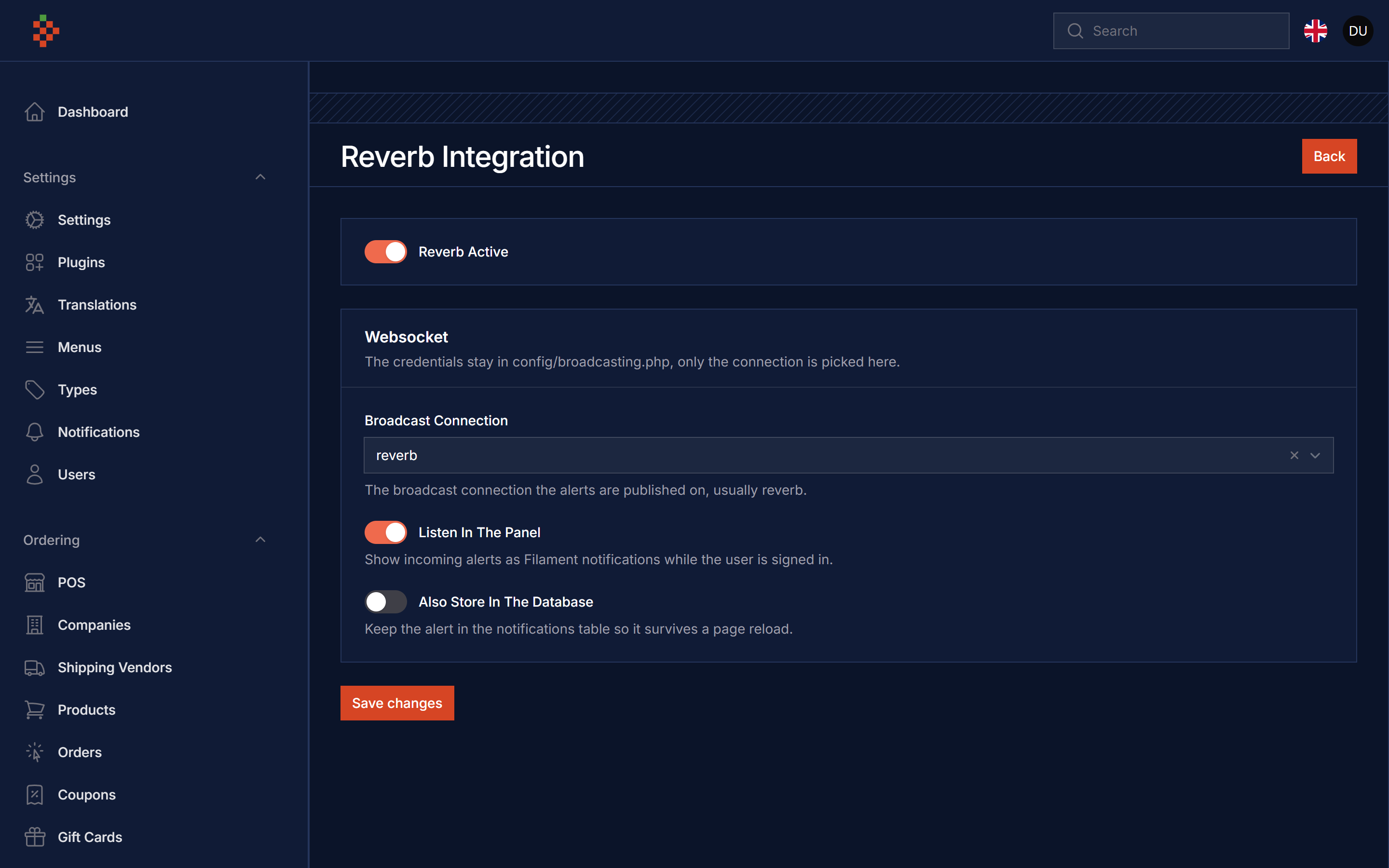
php artisan queue:workOpen Settings Hub → Reverb Integration, or set the env values:
REVERB_DRIVER_ACTIVE=true
REVERB_DRIVER_CONNECTION=reverb
REVERB_DRIVER_DATABASE=false
REVERB_DRIVER_LISTEN=true| Setting key | Config key | Env | Meaning |
|---|---|---|---|
reverb_active |
filament-reverb-driver.active |
REVERB_DRIVER_ACTIVE |
send live alerts at all |
reverb_connection |
filament-reverb-driver.connection |
REVERB_DRIVER_CONNECTION |
the broadcast connection to publish on |
reverb_database |
filament-reverb-driver.database |
REVERB_DRIVER_DATABASE |
also store the alert in the notifications table |
reverb_listen |
filament-reverb-driver.listen |
REVERB_DRIVER_LISTEN |
inject the browser listener into the panel |
| — | filament-reverb-driver.echo-cdn |
REVERB_DRIVER_ECHO_CDN |
the Laravel Echo build loaded when the app does not bundle Echo |
The settings hub wins over the env values. Nothing is broadcast when the driver is off or when the alert has no notifiable to address.
If your application already builds Laravel Echo into its own bundle and exposes window.Echo,
the listener reuses that instance and never touches the CDN.
to set up any model to get notifications you
<?php

namespace App\Models;

use Illuminate\Foundation\Auth\User as Authenticatable;
use Illuminate\Notifications\Notifiable;
use TomatoPHP\FilamentReverbDriver\Traits\InteractsWithReverb;

class User extends Authenticatable
{
    use Notifiable;
    use InteractsWithReverb;
...use Filament\Notifications\Notification;
Notification::make('send')
->title('Test Notifications')
->body('This is a test notification')
->sendUse(auth()->user(), \TomatoPHP\FilamentReverbDriver\Services\ReverbDriver::class);use TomatoPHP\FilamentAlerts\Facades\FilamentAlerts;
FilamentAlerts::notify(User::first())
->template($template->id)
->title([
"find-text" => "change with this"
])
->body([
"find-text" => "change with this"
])
->drivers([\TomatoPHP\FilamentReverbDriver\Services\ReverbDriver::class])
->send();it can be working with direct user methods like
$user->notifyReverb(string $title, ?string $body = null, ?string $url = null, ?string $icon = null, ?string $type = 'info');
$user->reverbChannelName(); // the private channel this record listens onyou can publish config file by use this command
php artisan vendor:publish --tag="filament-reverb-driver-config"you can publish languages file by use this command
php artisan vendor:publish --tag="filament-reverb-driver-lang"if you like to run PEST testing just use this command
composer testif you like to fix the code style just use this command
composer formatif you like to check the code by PHPStan just use this command
composer analyseCheckout our Awesome TomatoPHP