| title | What Is Metro? |
|---|
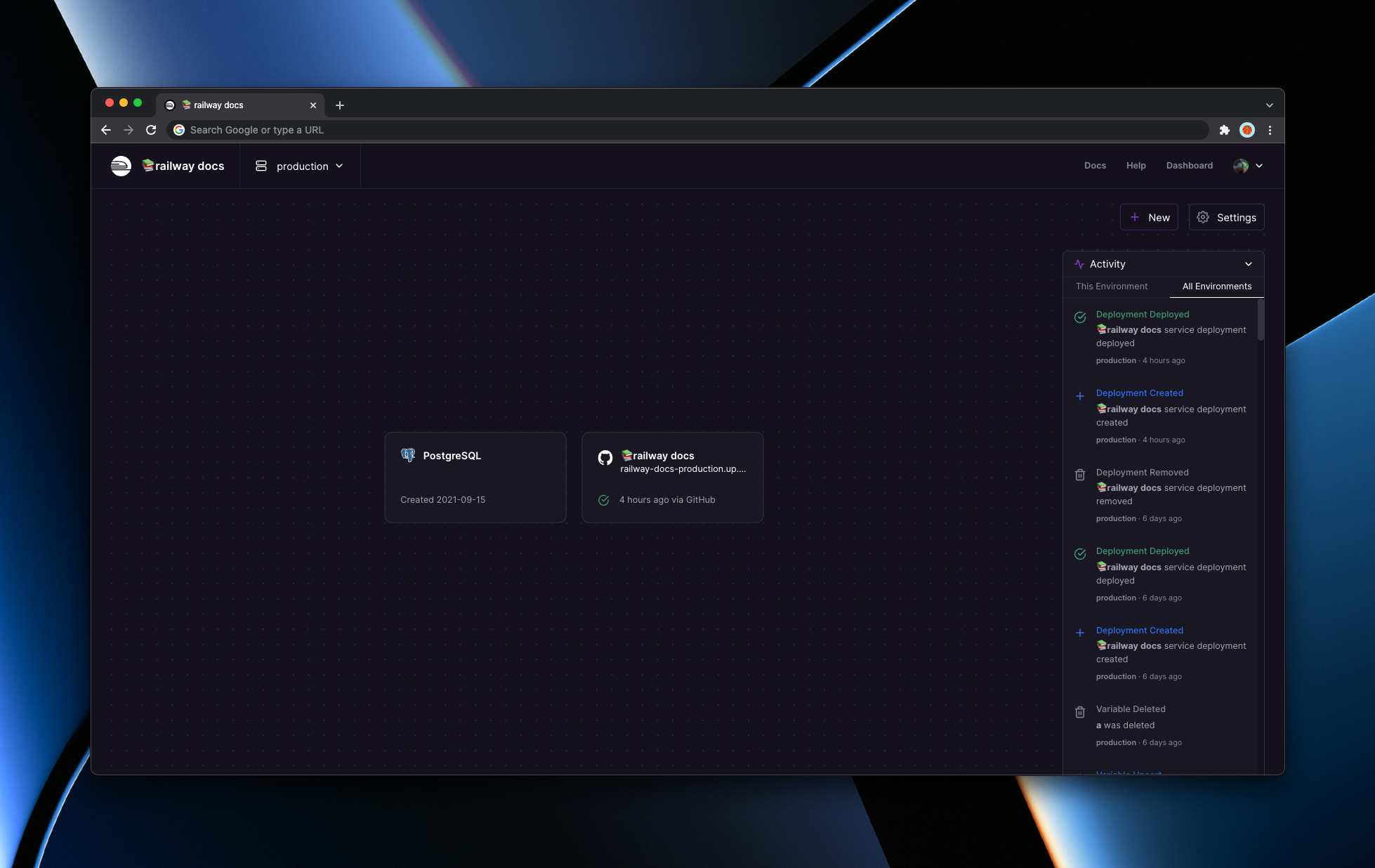
Metro is Railway’s major product update that brings multi-service projects to the platform. It became Generally Available on March 2022. Metro brings a number of improvements to the product such as the following.
- Redesigned Project Canvas
- Activity Pane
- Redesigned Mobile Interfaces
- Log Filtering
- Multi-Service Support
Railway now supports more use cases than ever, this document will cover what’s changed, walk through how some of our users are already taking advantage of the new features, and talk in depth about the features included in this update.
Initially, projects would only map to one service. Where previously, we would encourage teams to spin up an additional projects if they wanted to have a related services run in parallel. However, when working with software, we are fighting against context collapse and having related services split elsewhere adds unnecessary friction.
We initially patched this experience with the custom start command flow for Monorepos. But the experience was less than ideal realizing we were hitting the limits of our current design.
Working on software is a balancing act between what works for today and what would be best for the future. We want Railway to be a canvas that supports your product’s journey- and we designed the next generation interface to support your product’s possibilities.
Before we opened up Metro to everyone, we have extensively tested and previewed the features to customers of all types. Some of them are are already making the most of the update.
- Multi-service projects mean that developers can sidecar integrations onto their projects. You can spin up a Datadog Agent and connect it within your project without the need to spin up a separate project.
- Teams report added cohesion with the new Activity Pane where they are more aware of changes and deployments within their environments.
- Monorepo projects with different languages are much more simpler to handle with dedicated start command options within the Service UI.
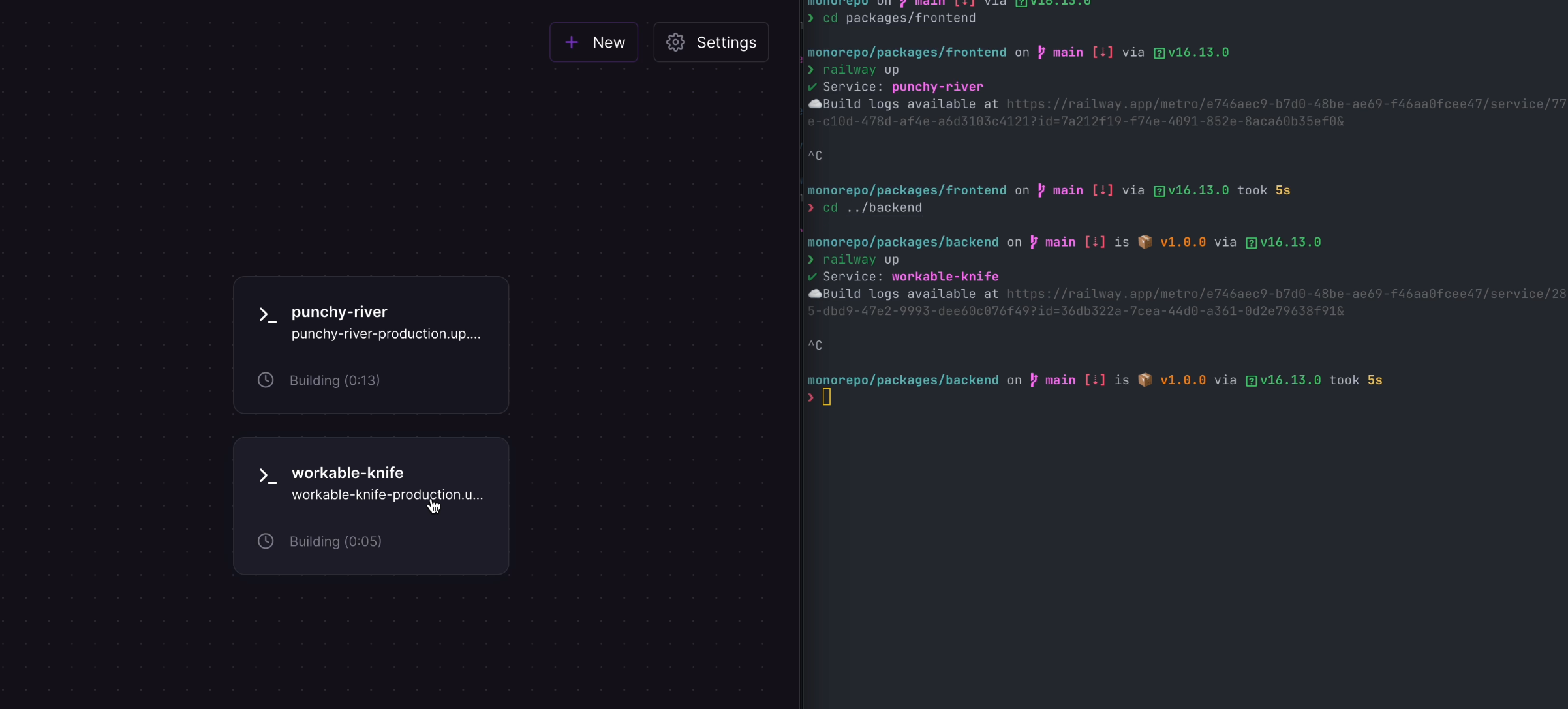
On a product’s journey, it’s very common for code bases to split out focused responsibilities to separate repos or folders within the same repo. With Metro, we have made great effort to make the deployment experience for multiple services as frictionless as possible. Now projects can have multiple services as highlighted in the canvas view. Additionally, you can deploy a starter to extend your app or even deploy an empty service as a target for your deployment with the CLI.
Adding a new service to your project is as easy as Command + K: and picking your repo or plugin from the menu. (Or pressing the button in the Project Canvas)
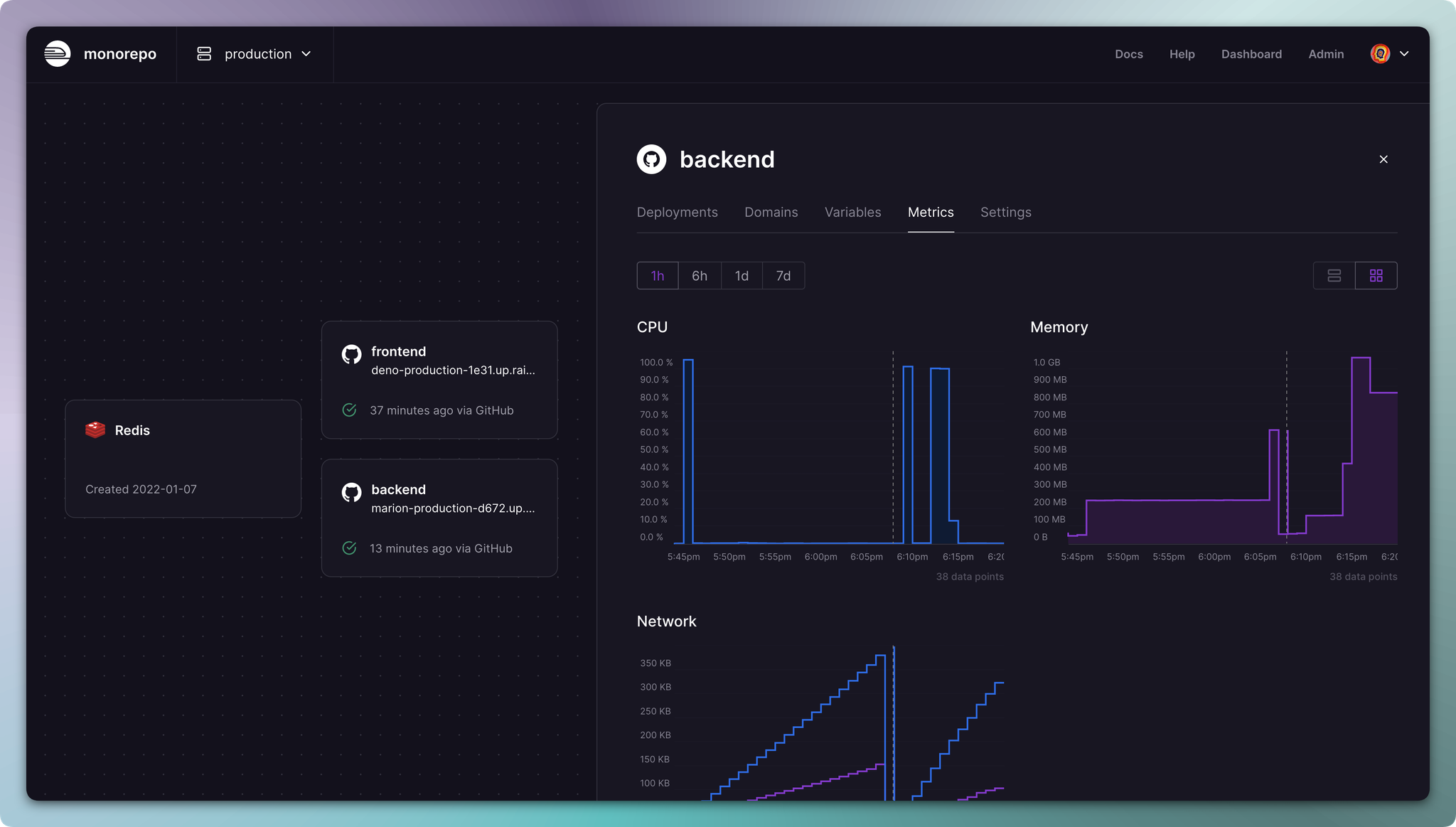
One of the issues with the old UI was the fact that it was hard to separate which settings were tied to the project and which settings affected deploys. Now clicking into the service within a project will open up a panel on the side with dedicated settings. While the team was at it, we made sure to clean up menus for deploys, add log filtering, and make metrics easier to understand.
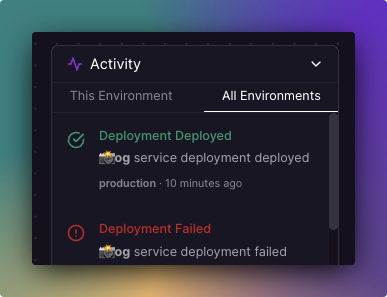
The new added activity feed in the project home screen now shows you all relevant events like deployments, environment variable modifications, and team member join events.
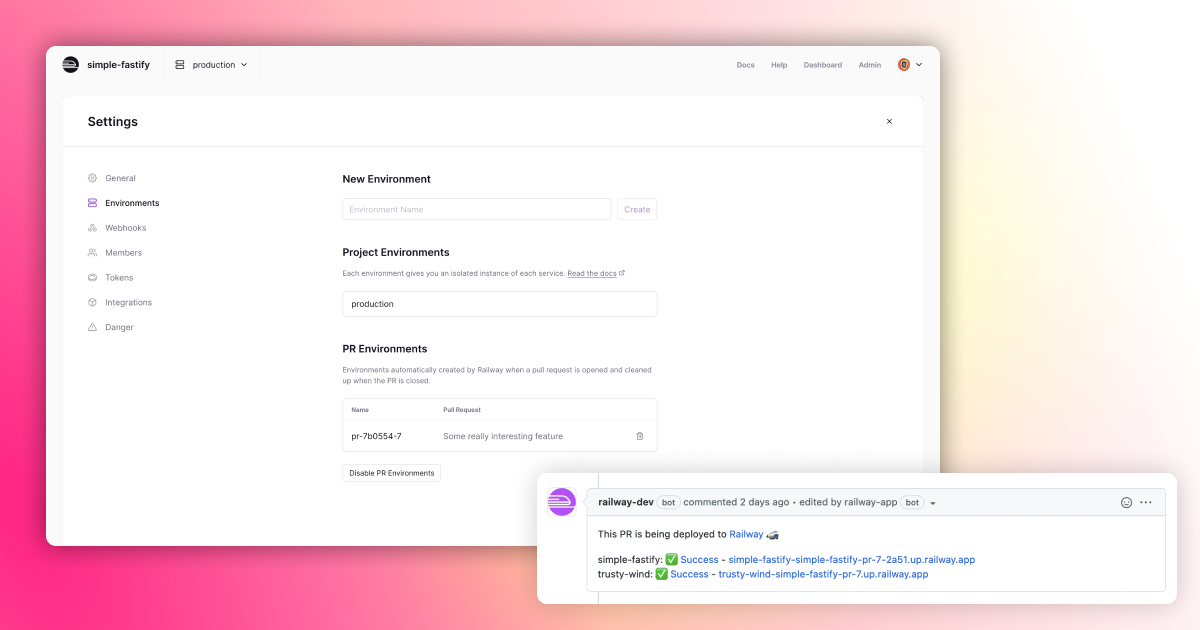
Clicking the gear icon on the upper right now opens the Global Project settings. Menu items such as inviting users, deleting services, renaming your project, Vercel integration, and much more now live in a dedicated menu with much more screen real estate.
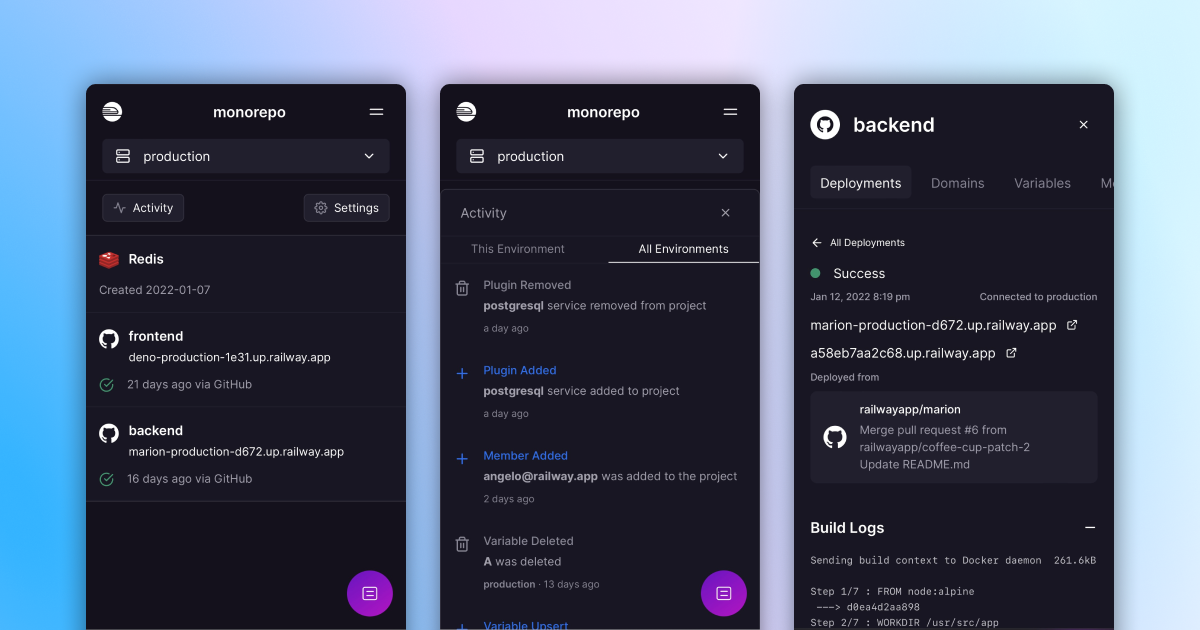
We focused our efforts to make it so that the interfaces keep your hands considered. You can now view project activity and access the command palette right on your phone while every action that previously was hard to access is now at your fingertips.
There is now a button that will allow you to “Convert Project to Metro project” along with an informational modal that entails what comes with the transition.
Migrating your project to Metro is a one-way operation. Which means you can not switch back to the previous interface. We will give users the chance to Opt-In to Metro with a flexible time frame depending on user feedback. Keep in mind there are some differences on how the new UI behaves.
railway upwithin a project will prompt you which service you want to deploy to- Variables and metrics are scoped at the service level
- Environments are scoped at the project level
- New environments will deploy replicas of all the services within a project
- With the exception to the CLI behavior, all projects should expect to run the same with no downtime.
We are really excited for the future of Railway- Metro is a new primitive to how to think about deployment organization. From here, we can help you visualize how services talk to each other, have global variables be shared across services, and add project and service level spend caps, with much more to come. Thank you for believing in us and we can’t wait to see what you build.